

How to Create a Press Image Library That Works
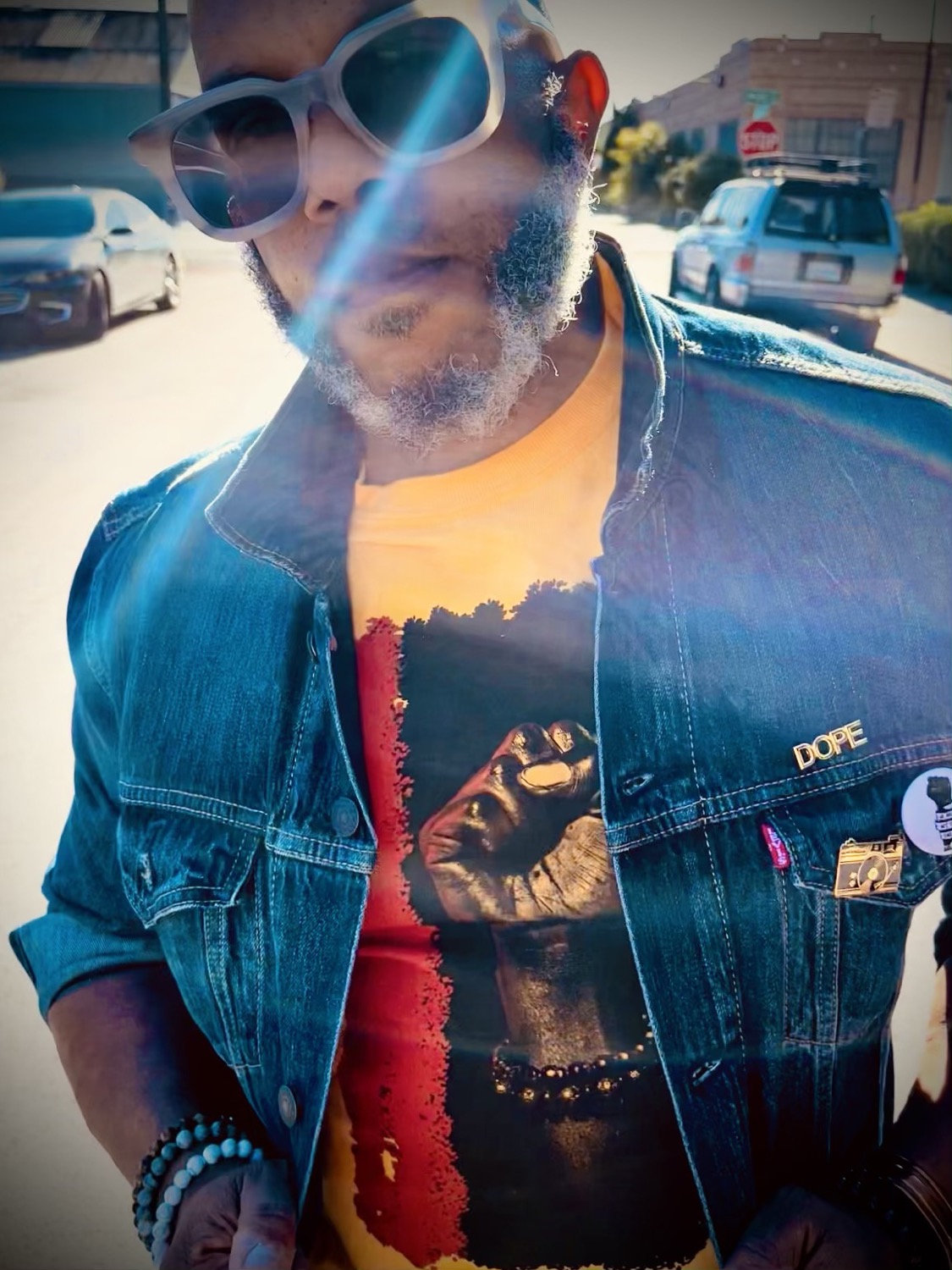
A journalist needs a founder photo by 3 p.m. A podcast host wants a square headshot. An event organizer needs images for a projection screen, and a local publication asks for something that feels less like LinkedIn and more like your actual brand. If you have to search old text threads, crop a screenshot, or send a low-resolution social post, the opportunity has already lost momentum.
To create a press image library is to make your public-facing identity usable before someone asks for it. It is not a folder of every photo you have ever taken. It is a focused set of polished images that lets media contacts, collaborators, speaking organizers, and customers represent you accurately without needing a last-minute photoshoot.
Create a press image library before you need it
Press moves quickly. A feature may come together in a day. A conference team may be building a speaker page between meetings. A producer may need visuals while the interview is being edited. The person requesting your images is often not trying to art direct a campaign. They are trying to meet a deadline.
When your materials are organized, you make it easy for the right people to say yes to featuring you. More importantly, you control the visual first impression. Instead of being represented by an outdated selfie, a blurry event photo, or a headshot that no longer resembles you, you provide images that match the level of work you want to be known for.
For founders, executives, artists, performers, and creative professionals, this is part of brand maintenance. Your press image library should evolve as your role, appearance, offerings, and audience evolve.
Start with the real ways your images will be used
The best library is built around usage, not around a vague goal of having “more content.” Think about the places your photo may appear: an online article, a keynote speaker page, a podcast thumbnail, a book jacket, a conference program, a newsletter, a partner announcement, or a social media post promoting a collaboration.
Each use comes with different space and crop requirements. A vertical portrait may look striking in a magazine profile but fail in a wide website banner. A close headshot works for a podcast tile, while a wider environmental portrait gives an editor room for text placement. You need range, but not randomness.
Before a shoot, define the message behind the images. A financial advisor may need approachable authority. A fashion designer may need a sharper editorial point of view. A nonprofit leader may need warmth, clarity, and connection to the community they serve. The visual direction should support how you want people to describe you when you are not in the room.
What a useful press image library includes
Most professionals do not need hundreds of images. They need a deliberate edit with enough variety to prevent every publication from using the same photo.
A strong starting library usually includes:
A clean, current headshot with direct eye contact and a simple background
A three-quarter or full-length portrait that shows personal style and body language
An environmental image in a workspace, studio, venue, or setting connected to your work
A horizontal image with negative space for headlines, captions, or graphic treatments
A candid-feeling working image, such as speaking, creating, consulting, performing, or interacting with a client
A small set of detail images if your work is product-based, craft-driven, or visually tactile
Not every profession needs every category. If you are a corporate leader, a polished headshot and a thoughtful environmental portrait may carry most of the load. If you are a chef, artist, designer, musician, or founder with a physical product, process images add context that a standard portrait cannot provide.
The key is consistency. The wardrobe, lighting, color palette, and editing should feel connected even when the photos show different moments. Consistency helps people recognize your brand across a publication, a pitch deck, and your own website.
Build in both polish and personality
A press photo should look professional. It does not have to look stiff.
Overly formal images can make a dynamic person appear distant. On the other hand, an image that is highly stylized or heavily filtered may not work for a business publication that needs visual clarity. The right balance depends on your industry and where the images are likely to appear.
This is where creative direction matters. A well-directed session can produce images that are refined enough for a corporate profile and expressive enough for a personal brand campaign. MooD-ology Photography approaches branding portraits with that range in mind: commercial-ready images with an editorial sensibility.
Plan the shoot around image variety, not outfit changes alone
A wardrobe change can refresh a photo, but it does not automatically create a different type of image. Real variety comes from changing the composition, posture, background, activity, and emotional energy.
Choose clothing that reflects your current brand and photographs well at a distance. Avoid tiny patterns that can create visual noise on camera. Bring one look that is classic and dependable, then add a second option with more personality if it fits your work. A creative director or stylist may benefit from bolder texture and color, while an attorney or consultant may prefer a restrained palette with one thoughtful detail.
During the session, make room for intentional movement. Standing, sitting, walking, looking toward camera, looking away from camera, and interacting with your environment all create options for different placements. A photographer can direct these moments so they still feel natural rather than posed for the sake of posing.
If your work happens in a distinctive location, photograph there. An architect in a considered space, a founder in the environment where the team builds, or a performer backstage can communicate more than a generic backdrop. Still, a simple studio portrait remains valuable because editors often need a clean image that can live anywhere.
Organize files so someone else can use them in minutes
A beautiful library becomes useless if nobody can tell which version to download. Organization is part of the deliverable.
Keep a dedicated folder labeled with your name or business name and the year. Inside, separate final high-resolution files from web-ready versions. Use filenames that identify the subject, orientation, and setting, such as “Jordan-Lee-headshot-vertical-2026” or “Jordan-Lee-studio-portrait-horizontal-2026.” Avoid filenames like “finalfinal2” or camera-generated strings.
Include a short document with your preferred name, title, business name, photo credit instructions, and a one-paragraph bio. If an image has restrictions, state them clearly. For example, you may allow editorial use with credit but require permission for paid advertising. Clarity protects your work and saves back-and-forth for everyone involved.
Do not send every photo by default. Prepare a concise selection of your strongest images, then keep the wider archive available for requests. Editors appreciate options, but they do not want to sort through 75 near-identical portraits.
Size, format, and retouching details matter
Keep original high-resolution JPEGs for print and publication requests. Web-ready JPEGs are practical for digital use and quick sharing. PNG files are usually unnecessary for portrait photography unless a designer specifically needs transparency. Do not rely on images pulled from Instagram or other social platforms, where compression can damage quality.
Retouching should be clean and believable. Remove temporary distractions, refine lighting, and preserve texture. A press photo should still look like you when someone meets you at an event next week. Heavy skin smoothing, dramatic reshaping, or trend-driven editing can make images age poorly and reduce trust.
Refresh your library on a schedule
There is no single timeline for every person. If you are launching a new business, publishing a book, changing industries, running for office, or entering a major media push, update your library before the announcement. If your role is stable, an annual or every-other-year refresh may be enough.
Update sooner when your appearance changes noticeably, your brand has shifted, or your existing images no longer reflect the level of your work. A growing business should not still be represented by photos taken at a kitchen table if it now has a team, a studio, or a public presence that tells a bigger story.
Treat your library as a living visual record, not a one-time task. The next opportunity may arrive with little warning. When it does, having the right image ready lets you show up with the same intention you bring to the work itself.


Comments